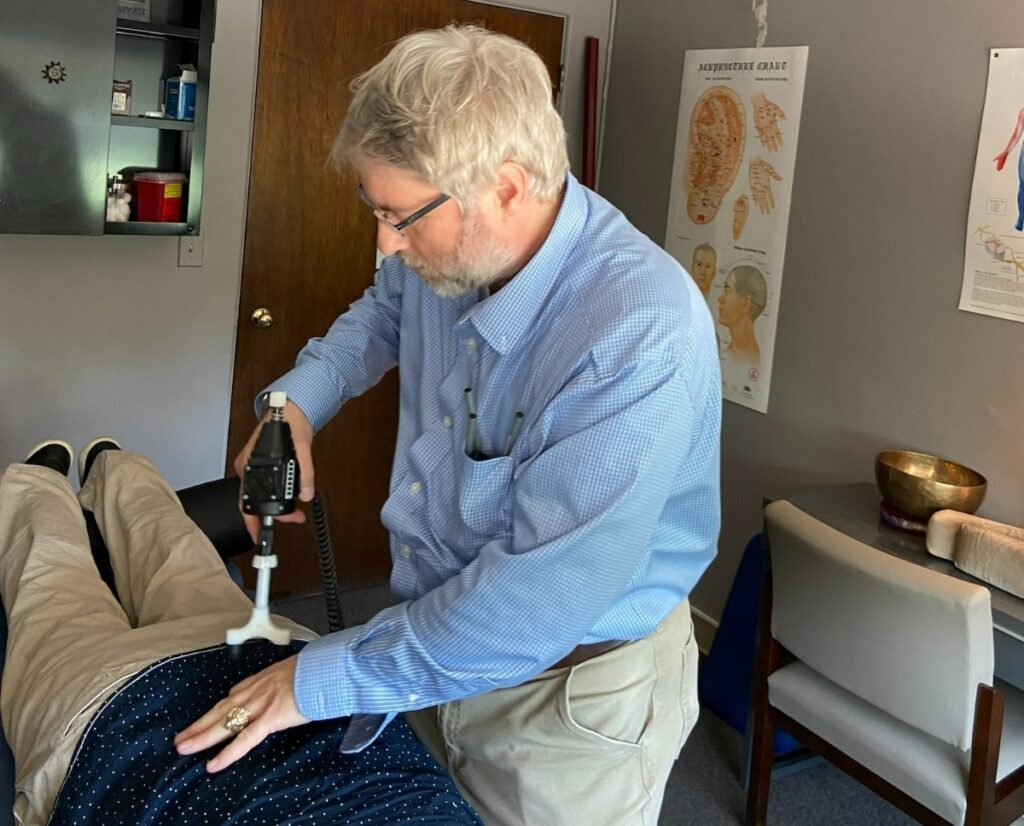

If you spend long hours at a desk, your posture can take a serious hit, leading to discomfort and pain. As a chiropractor, I often see patients who struggle with these issues due to bad sitting habits. The good news is that you can make simple adjustments to your workspace that can not only improve your posture but also enhance your overall well-being. By focusing on the height of your chair and the position of your screen, you can start to feel a noticeable difference in how you feel throughout the day.
Here are some effective strategies to optimize your workspace and promote a healthier posture:
- Chair Height: Adjust your chair so that your feet are flat on the floor and your knees are at a 90-degree angle. This helps maintain proper spinal alignment and reduces strain on your back.
- Screen Position: Position your computer screen at eye level, about an arm’s length away. This prevents you from leaning forward or looking down, which can lead to neck and upper back pain.
- Take Breaks: Make it a habit to take short breaks every hour. Stand up, stretch, or walk around for a few minutes. This will give your spine a chance to decompress and reduce tension.
- Use Supportive Tools: Consider using a lumbar roll or cushion to support the natural curve of your lower back. This can help maintain proper posture while sitting for extended periods.
- Stay Active: Incorporate light exercises or stretches into your daily routine to strengthen your core muscles, which support your spine and improve your posture.
Remember, chiropractic care is an excellent way to address any discomfort you may already be experiencing. Regular adjustments can help keep your spine aligned and promote natural healing, allowing your body to function at its best. By making these simple changes and considering chiropractic care, you can take significant steps toward achieving optimal health and a pain-free life.
Key Takeaways
5 Tips for Better Desk Job Posture: A Chiropractor’s Guide to Optimal Health
As a chiropractor, I understand the importance of maintaining good posture, especially if you spend long hours at a desk. Poor posture can lead to spinal misalignments, discomfort, and overall health issues. Here are five simple tips that can help you achieve better posture while working, promoting natural healing and wellness.
- Adjust Your Chair Height: Make sure your chair is at a height where your knees form a 90-degree angle, and your feet rest flat on the floor. This position helps support your spine and can prevent strain on your lower back.
- Monitor Positioning: Your computer monitor should be at eye level and about an arm’s length away. This setup minimizes neck and eye strain, allowing you to maintain a natural alignment in your spine and reducing the risk of tension headaches.
- Keyboard and Mouse Placement: Keep your keyboard and mouse close to your body. This allows your wrists to remain in a neutral position, helping prevent repetitive strain injuries. A well-aligned workstation can contribute to better overall posture and comfort.
- Take Movement Breaks: Every 30 minutes, take a short movement break. Stand up, stretch, or walk around for a few minutes. This simple action not only refreshes your mind but also helps relieve tension in your body and supports spinal health.
- Practice Good Sitting Habits: Ensure your back is well-supported by your chair, and keep your shoulders relaxed. Being mindful of your sitting posture throughout the day can enhance your spinal health and overall well-being.
By following these tips, you can create a healthier work environment that supports your spine and promotes natural wellness. Remember, regular chiropractic care can be a powerful tool for maintaining optimal health and addressing any discomfort that may arise from long hours at a desk. Your spine deserves the best care possible!
Adjust Your Chair Height
One simple adjustment can significantly enhance your comfort and overall well-being: chair height. If your chair is too high or too low, it can lead to discomfort and strain, affecting your spine and overall health.
Start by sitting in your chair with your feet flat on the floor. Your knees should be at a 90-degree angle or slightly lower than your hips. If your feet dangle, consider raising your chair or using a footrest for proper support. Conversely, if your knees are above your hips, you should lower the chair to maintain a healthy posture.
Next, ensure your back is fully supported, and if needed, adjust the backrest. A well-adjusted chair height not only helps prevent back pain but also enhances circulation, allowing you to focus on your tasks without distraction.
Remember, a comfortable chair height is key to maintaining a neutral spine position, which is vital for those long hours at your desk.
Taking a moment to adjust your chair can make a world of difference in your posture and overall well-being. These adjustments are simple yet powerful steps you can take to support your spine and promote natural healing.
As a chiropractor, I encourage you to prioritize your spine health and consider regular chiropractic care as a natural way to achieve optimal health and wellness.
Position Your Screen Correctly
After adjusting your chair height, the next step in enhancing your desk posture is positioning your screen correctly. Your monitor should be at eye level to prevent unnecessary strain on your neck. Ideally, the top of the screen should be aligned with your eyes or slightly below, helping you keep your head in a neutral position. This simple adjustment can go a long way in preventing discomfort and promoting spinal health.
Distance is also important. Aim to place your screen about an arm’s length away to minimize eye strain. If you’re using a laptop, consider investing in a stand to elevate the screen to the appropriate height. This not only improves your posture but also helps prevent the common issues that can arise from prolonged laptop use, such as neck and back pain.
Additionally, tilt your screen slightly backward to reduce glare from overhead lights. This allows you to maintain a comfortable gaze slightly downward, which helps keep your neck relaxed.
By properly positioning your screen, you’re taking a significant step toward better desk posture. Remember, good posture is essential for spinal health, and chiropractic care can provide valuable support in achieving overall wellness.
Together with these ergonomic tips, regular chiropractic adjustments can help keep your spine aligned and your body feeling its best, allowing you to stay comfortable and focused throughout your workday.
Use Ergonomic Accessories
Ergonomic accessories can truly transform your desk setup, promoting comfort and support throughout your workday, which is essential for maintaining spinal health. As a chiropractor, I can’t emphasize enough the importance of having the right tools to support your body while you work.
Start with an adjustable chair that provides proper lumbar support. This helps you maintain healthy spine alignment, reducing the risk of back pain. A sit-stand desk is another fantastic option, allowing you to alternate between sitting and standing. This not only helps to reduce fatigue but also improves circulation, which is crucial for overall wellness.
When it comes to your keyboard and mouse, choosing ergonomic designs can significantly minimize strain on your wrists and hands. This is vital for preventing discomfort during long typing sessions and can help avoid repetitive strain injuries. A footrest can also make a big difference by keeping your feet flat and supported, which contributes to better posture and reduces tension in your lower back.
Don’t overlook the importance of monitor risers, as they can elevate your screen to eye level. This simple adjustment helps reduce neck strain and encourages you to maintain a more natural posture while working. Additionally, using a wrist rest can provide necessary support while typing, making your work environment more comfortable.
Remember, these ergonomic accessories aren’t just about comfort; they play a crucial role in maintaining your spinal health and overall well-being. By investing in your workspace and incorporating these tools, you can create a more supportive environment that allows you to focus better and work more efficiently.
And if you ever find yourself experiencing discomfort, don’t hesitate to seek chiropractic care, which is a natural and effective way to achieve optimal health and relieve pain.
Take Regular Breaks
While it may be tempting to push through your tasks without taking a break, incorporating regular pauses into your day is crucial for both your mental clarity and physical well-being. Short breaks not only help refresh your mind but also play an essential role in maintaining spinal health and preventing fatigue.
By stepping away from your work, you can boost your productivity while nurturing your body.
Here are some simple ways to integrate breaks into your daily routine:
- Stretch your legs: Stand up and walk around for a few minutes. This not only improves circulation but also helps relieve tension in your spine and promotes better posture.
- Take deep breaths: Step away from your desk and practice deep breathing exercises. This helps to reduce stress and can alleviate discomfort that may arise from prolonged sitting.
- Hydrate: Use your break to drink water. Staying hydrated is vital for overall health and can help keep your energy levels up, supporting your body’s natural healing processes.
Remember, regular breaks aren’t just a luxury; they’re an essential part of maintaining a healthy lifestyle.
Prioritizing your well-being can lead to better outcomes in your daily tasks and overall health. If you’re experiencing discomfort or looking for ways to enhance your health naturally, consider speaking with a chiropractor who can provide personalized care and guidance on achieving optimal wellness.
Practice Good Sitting Habits
Maintaining proper posture while sitting is essential for your comfort, productivity, and overall spinal health. As a chiropractor, I want to share some valuable tips to help you develop good sitting habits that can contribute to natural healing and wellness.
Start by adjusting your chair so that your feet rest flat on the floor. If this isn’t possible, a footrest can make a significant difference. Keep your knees at a 90-degree angle and avoid crossing your legs, as this practice can lead to discomfort and misalignment over time.
Next, ensure your back is well-supported. A chair with built-in lumbar support is ideal, but if that’s not an option, consider adding a cushion to maintain the natural curve of your spine. This support is crucial in preventing back pain and promoting a healthier posture.
When working on your computer, position the screen at eye level. This alignment helps reduce neck strain and encourages proper spinal alignment. Your eyes should naturally align with the top third of the screen.
Additionally, keep your elbows close to your body and bent at a 90-degree angle while typing. This position helps prevent wrist strain, allowing for more comfortable and efficient typing.
Lastly, always remember to sit upright with your shoulders relaxed—not slouched. This simple adjustment can make a big difference in how your back feels throughout the day.
By implementing these straightforward changes, you won’t only create a more comfortable workspace but also support your spine’s health.
If you experience ongoing discomfort or pain, consider visiting a chiropractor for personalized care and guidance. Chiropractic adjustments can help optimize your spinal health, leading to a more pain-free and vibrant life.
Conclusion
Improving your desk job posture is essential for maintaining a healthy spine and overall well-being. It doesn’t have to be complicated! Start by adjusting your chair height so that your feet are flat on the floor, which promotes proper alignment of your spine. Position your computer screen at eye level to avoid unnecessary strain on your neck and shoulders. Consider using ergonomic accessories, like a lumbar support cushion, to provide extra support for your lower back.
Taking regular breaks is crucial; standing up, stretching, or even going for a short walk can help relieve tension. Remember to practice good sitting habits by keeping your back straight and shoulders relaxed. Staying mindful of your body alignment throughout the day is key to preventing discomfort.
Chiropractic care is an excellent way to support your posture and overall health. Regular adjustments can help keep your spine aligned, reduce pain, and enhance your body’s natural healing abilities. By incorporating these simple changes and considering chiropractic care, you’ll set yourself up for a healthier and more comfortable work experience. Make these adjustments today and take a step towards optimal health!